How to Edit Information in NBI Clearance Online
Getting an NBI Clearance for the first time can feel stressful. If you notice a mistake in your online application—like a wrong name, birthdate, or missing identifying marks—you don’t have to worry. You can fix it online, and this guide will show you how step by step. By the end, you’ll know how to update your information easily and confidently.
What is NBI Clearance Online Editing?
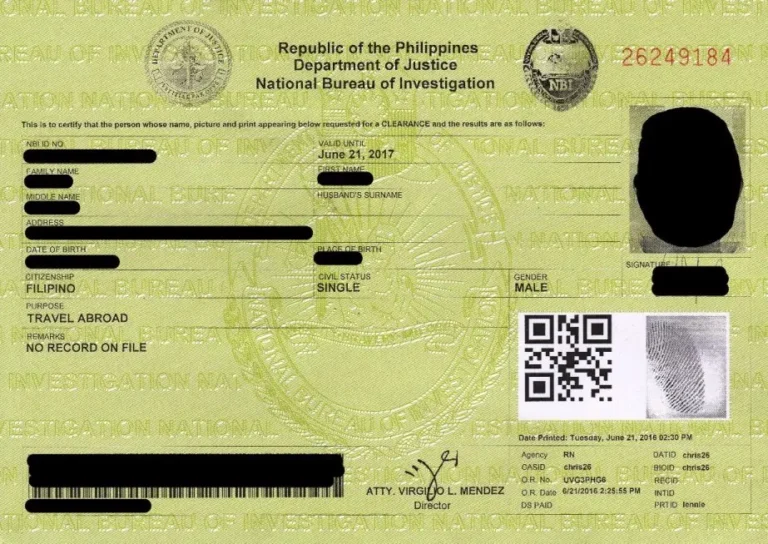
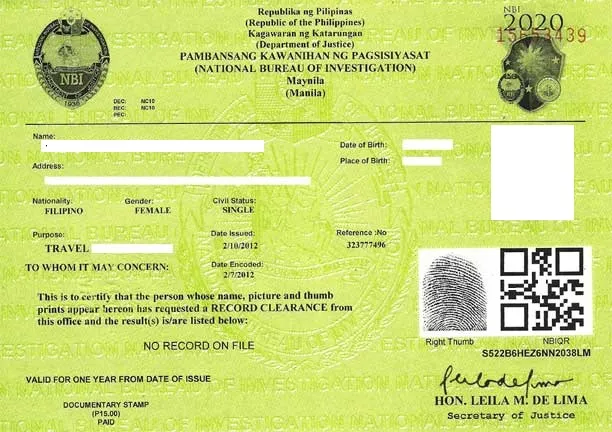
Editing your NBI Clearance online means fixing or updating your personal information. Mistakes happen, and that’s okay! But correcting them is important. Accurate details make your clearance match your identity, prevent delays, and keep the process smooth. Think of it as your digital key for work—if it’s wrong, it can cause problems. Editing online is quick, saves you a trip to the NBI office, and gives you peace of mind.
Requirements Before Editing Your Information Online
Before updating your NBI information, make sure you have:
- Active NBI account – Registered on the official portal.
- Valid ID – Passport, Driver’s License, UMID, or SSS/GSIS ID.
- Correct details – Know what needs to be updated.
- Proof of payment – Some changes may need a small fee.
- Device & internet – A phone or computer with a stable connection.
Tip: Check your current info carefully. Most delays happen because of small mistakes.
Step-by-Step Guide: How to Edit Information in NBI Clearance Online
How to Update Your NBI Clearance Information:
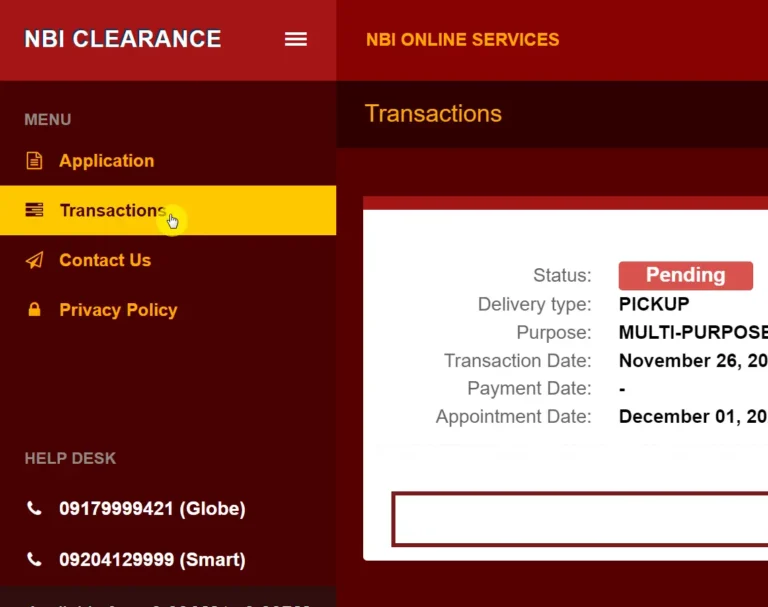
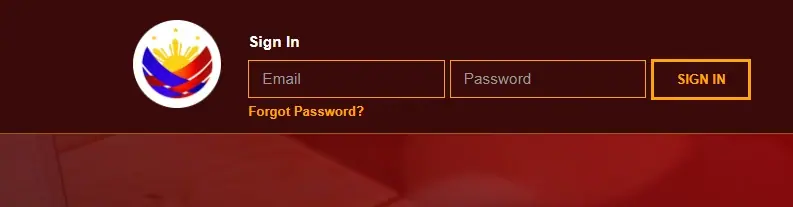
- Log in – Go to the NBI Clearance portal and sign in.
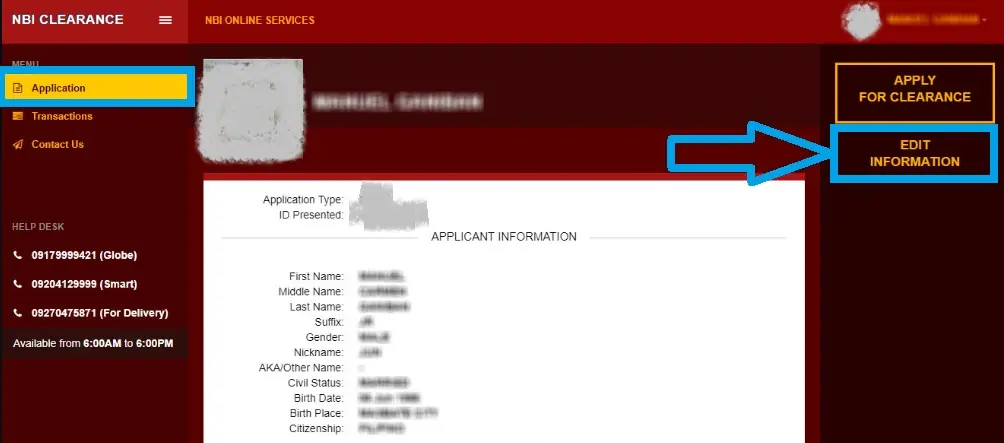
- Find “Update Information” – Check your profile or application history.
- Choose what to edit – Name, birthdate, address, or identifying marks.
- Enter correct details – Double-check for mistakes.
- Upload documents if needed – PSA certificate or valid ID for name/birthdate changes.
- Submit – Review everything, then click “Submit.”
- Wait for confirmation – Some updates are instant; others may take a little time.
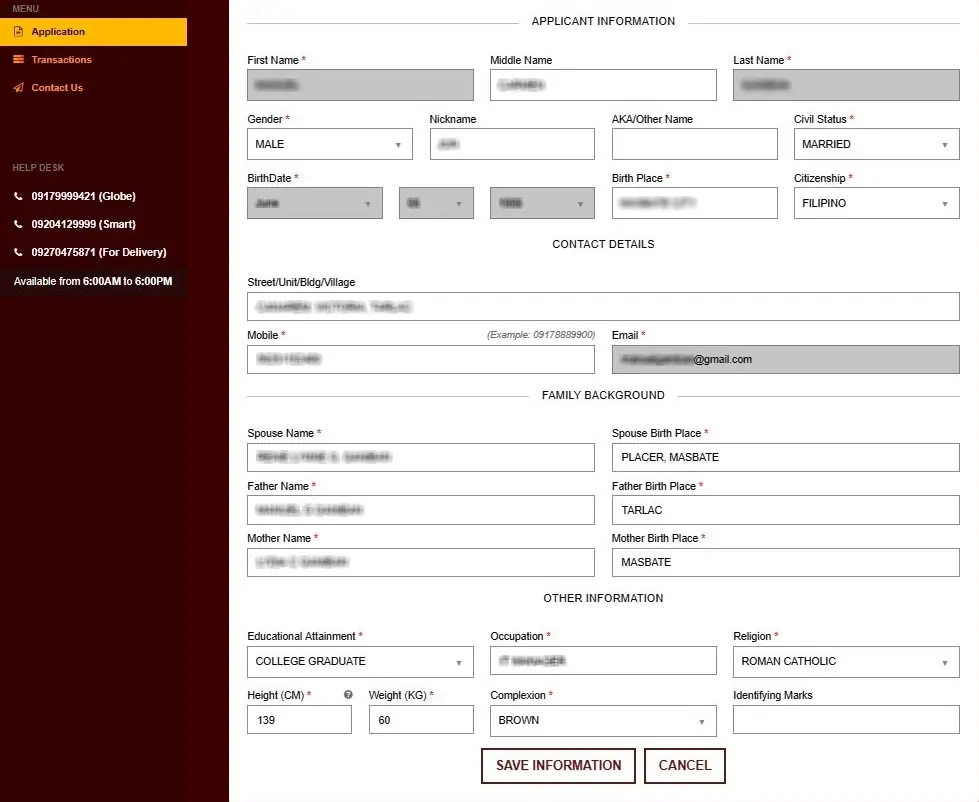
What Information Can I Edit in NBI?
Update Your NBI Clearance Info:
- Full Name – Make sure it matches your legal documents.
- Date of Birth – Correct any mistakes.
- Address – Update your current home or mailing address.
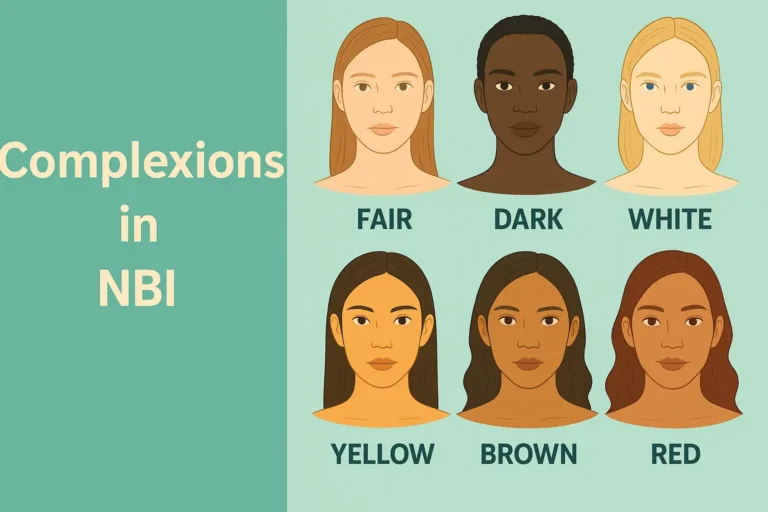
- Identifying Marks – List permanent marks like moles, scars, or tattoos.
- Contact Info – Keep your email and phone number current.
Note: Only permanent marks count. Temporary marks like pimples or scratches don’t.
How to Edit Information in NBI Offline
If online editing isn’t enough, you can update your information in person:
- Bring your ID and old NBI Clearance.
- Ask for the Information Correction Form at the help desk.
- Fill in the correct details.
- Submit the form and documents. Verification may take a few days.
NBI Clearance Help Desk
Need help? You can contact NBI:
- Hotline: 8527-4144 (Metro Manila)
- Email: helpdesk@nbi.gov.ph
- Online Feedback Form: on the NBI portal
Tip: Take screenshots of any errors. It helps NBI fix the problem faster.
Tips for a Smooth Online Editing Process
- Check your entries before submitting.
- Keep digital copies of your IDs and documents ready.
- Avoid busy hours; the portal may be slow.
- Clear your browser cache if the page won’t load.
- Wait patiently for confirmation from the help desk.
Common Issues and How to Fix Them
- Duplicate Records or “Hit” – Use correct identifying marks to avoid confusion.
- Document Rejection – Upload clear, certified documents.
- Portal Errors – Refresh, try another browser, or clear cache.
- Pending Verification – Some changes take a few days to review.
FAQs About Editing NBI Clearance Online
Q1: Can I edit my NBI Clearance online?
Yes! Small updates can be done online. Bigger changes, like a legal name change, need a branch visit.
Q2: Is there a fee?
Some changes, like legal name corrections, may have a small fee. Simple edits are free.
Q3: How long will it take?
Simple updates are usually instant. Complex ones may take 1–5 business days.
Q4: Can I change my identifying marks?
Yes, permanent marks like moles, scars, or tattoos can be updated. Temporary marks cannot.
Q5: What if I make a mistake online?
No problem. You can submit another request or visit the branch to fix it.
Conclusion
Editing your NBI Clearance online is easier than it seems. With the right information, documents, and a bit of patience, you can fix mistakes quickly. Keeping your clearance accurate avoids delays and makes sure your records match your identity. Your NBI Clearance isn’t just a form—it’s a key to opportunities. Updating it properly protects your future and opens new doors.